
Best Small Streamer Communities to Join in 2026
With platforms like Twitch, YouTube, and Facebook Gaming offering global reach and diverse audiences, small live streamers are now more than ever seeking communities to foster their growth, share experiences, and engage more deeply with both peers and fans. Some may question where to find support, opportunities for growth, and the newest hacks and tricks for live streaming. In this article, we explore some of the best communities for live streamers in 2026 where you can find valuable support, share tips, and collaborate.
But here's the challenge: not all communities are created equal. Some focus on genuine support and skill-building, while others trap you in endless "follow-for-follow" cycles that hurt more than help. The right community can accelerate your growth by months or even years through collaboration opportunities, technical guidance, and audience-building strategies that actually work.
In 2025, the streaming landscape has evolved significantly. Platforms like Kick have emerged, TikTok Live has matured, and Discord has become the undisputed hub for creator communities. Whether you're streaming on Twitch, YouTube, Facebook Gaming, or Kick, joining the right communities and knowing how to engage effectively can mean the difference between streaming to 5 viewers or 500.
Best Communities for Live Streamers in 2026
While being a small streamer, getting into the right community can provide great insights, resources, and collaborations needed to thrive. From Discord servers tailored to specific streaming genres to Reddit subreddits bustling with advice and discussions, social media groups, and niche forums, there are numerous environments where streamers can learn, grow, and network. Let's check them all:
1. Discord Communities
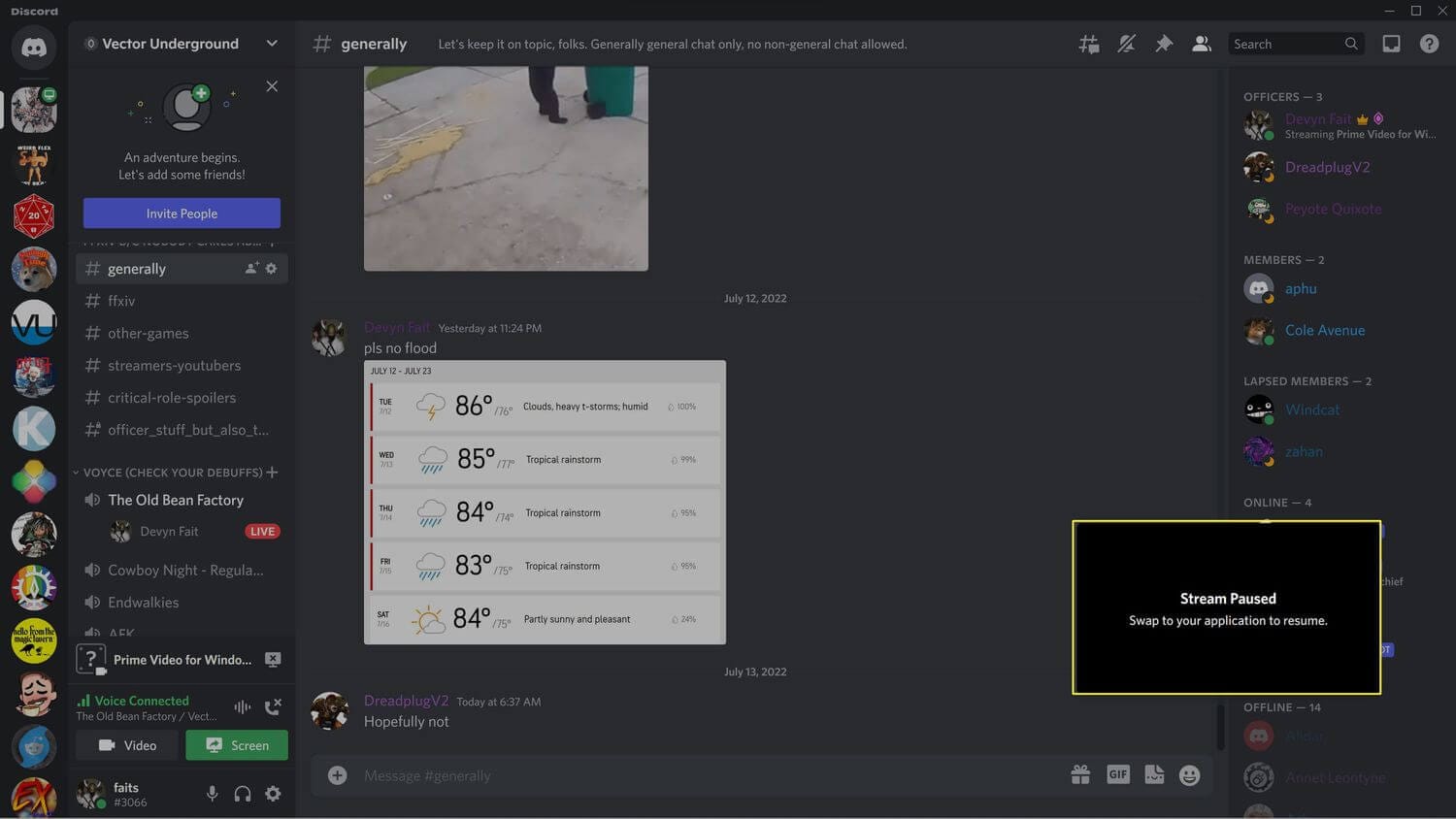
Discord has become the go-to platform for small streamers looking to build or join a community. Hundreds of servers are dedicated to specific games, genres, or streaming styles. These communities offer streamers opportunities to network, exchange tips on improving stream quality, or find collaborators for co-streaming efforts:
1. Discord Communities: The Epicenter of Streamer Networking
Discord has evolved from a gamer chat app into the primary networking hub for streamers worldwide. Unlike Twitter or Reddit, Discord offers real-time conversation, voice channels for collaboration, and structured communities with dedicated support channels. Here are the most valuable Discord servers for small streamers in 2025:
Top General Streaming Communities
Mayhem Gaming (6,000+ members)
- Focus: Twitch small streamers
- Why Join: Official Twitch Team status, largest dedicated small streamer community
- Key Features:
- Automated live stream notifications via bots
- Free tech support and OBS setup help
- Active giveaways and promotional opportunities
- LGBTQIA+ supportive environment
- Best For: Twitch streamers seeking technical help and genuine networking
StreamSquad (Growing community)
- Focus: Motivation and sustainable growth for small streamers
- Why Join: Emphasis on enjoying the streaming process while growing
- Key Features:
- Mental health awareness and support
- Goal-setting workshops
- Collaboration matchmaking
- Road to Affiliate tracking
- Best For: Streamers who want supportive, non-toxic growth environment
Pizza Party (Unique reciprocal model)
- Focus: Equal support exchange among streamers
- Why Join: Addresses the "I support but get no support back" problem
- Key Features:
- Reciprocal support tracking system
- Accountability for mutual engagement
- Fair exchange philosophy
- Best For: Streamers tired of one-sided support relationships
Gaming Careers (Active teaching community)
- Focus: Learning to livestream and audience growth
- Why Join: Educational approach with experienced mentors
- Key Features:
- Weekly workshops on streaming topics
- One-on-one mentorship programs
- Growth strategy discussions
- Best For: Complete beginners learning streaming fundamentals
Platform-Specific Communities
Streamers Evolved (Multi-platform)
- Focus: Building long-lasting supportive communities
- Why Join: Features for both Twitch and YouTube streamers
- Key Features:
- Streamer of the Week spotlight
- Separate channels for Affiliate and Non-Affiliate
- FB-YouTube Live Alerts
- Development program chat
- Best For: Streamers on multiple platforms
YouTube Gamers Alliance (YGA)
- Focus: Specifically for YouTube streamers
- Why Join: YouTube-specific growth strategies
- Best For: YouTube-focused streamers
Tool-Specific Support Communities
StreamElements Community
Streamlabs Community
- Focus: Technical support for these popular streaming tools
- Why Join: Get help with overlays, alerts, chatbots, and integrations
- Best For: Users of these specific platforms needing technical assistance
OBS Forums (Has active Discord)
- Focus: Open Broadcaster Software technical support
- Why Join: Most streamers use OBS - invaluable for troubleshooting
- Best For: Anyone using OBS for encoding
Niche & Emerging Communities
PewTubers (VTuber community)
- Focus: Virtual streamers (VTubers)
- Why Join: VTubing is exploding in 2025 - get ahead of the trend
- Key Features:
- VTuber-specific advice (rigging, software, character design)
- Collaboration opportunities with other VTubers
- Focus on Apex Legends and FPS games
- Best For: Avatar-backed streamers who don't show their face
Creators Universe
ContentCreator Community
- Focus: Multi-discipline creators (not just gaming)
- Why Join: Network beyond gaming into art, music, IRL content
- Best For: Variety streamers and creative content creators
How to Choose the Right Discord Community
Match Community Size to Your Needs:
- Large (5,000+ members): Good for resources, harder for personal connections
- Medium (500-5,000): Sweet spot for networking and visibility
- Small (<500): Tight-knit, easier to build relationships but fewer resources
Evaluate Activity Levels:
- Check recent messages - are channels active daily or dead?
- Look for regular events, contests, or community nights
- Verify staff/moderators are present and helpful
Red Flags to Avoid:
- ❌ Servers requiring payment for basic networking features
- ❌ F4F (Follow for Follow) focused communities
- ❌ No moderation or toxic environments
- ❌ Dead servers with no activity in days/weeks
- ❌ Aggressive self-promotion with no genuine conversation
Best Practices for Discord Communities:
- Lurk first - Read 1-2 days of conversation to understand the vibe
- Introduce yourself thoughtfully - Say you're learning streaming, not "check out my channel"
- Use dedicated promo channels only - Never spam your stream links in general chat
- Engage before promoting - Build relationships for at least 2 weeks first
- Give more than you take - Watch others' streams before asking for support
2. Reddit: A Hub for Information and Support
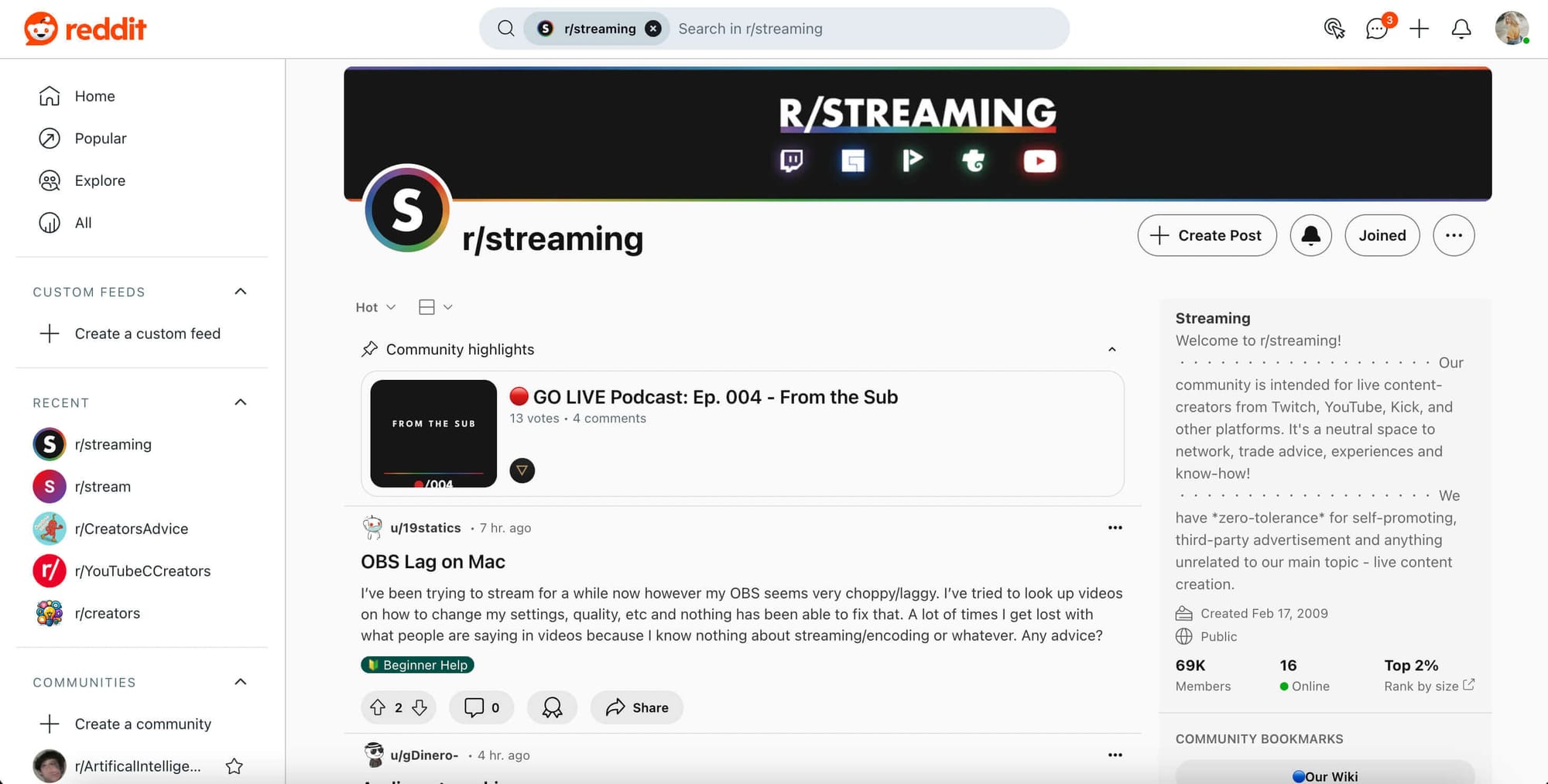
Reddit hosts a variety of subreddits tailored to live streaming, where users can share experiences, ask questions, and offer advice.
- r/Twitch: With a focus on Twitch, this subreddit provides insights into platform-specific tips, issues, and industry news. It's a vital resource for staying updated on changes and trends on Twitch.
- r/Streaming: A more general subreddit about the art of streaming, covering various platforms and technologies. It's ideal for those looking to discuss tech-related topics, from software tips to hardware setups.
3. Facebook Groups
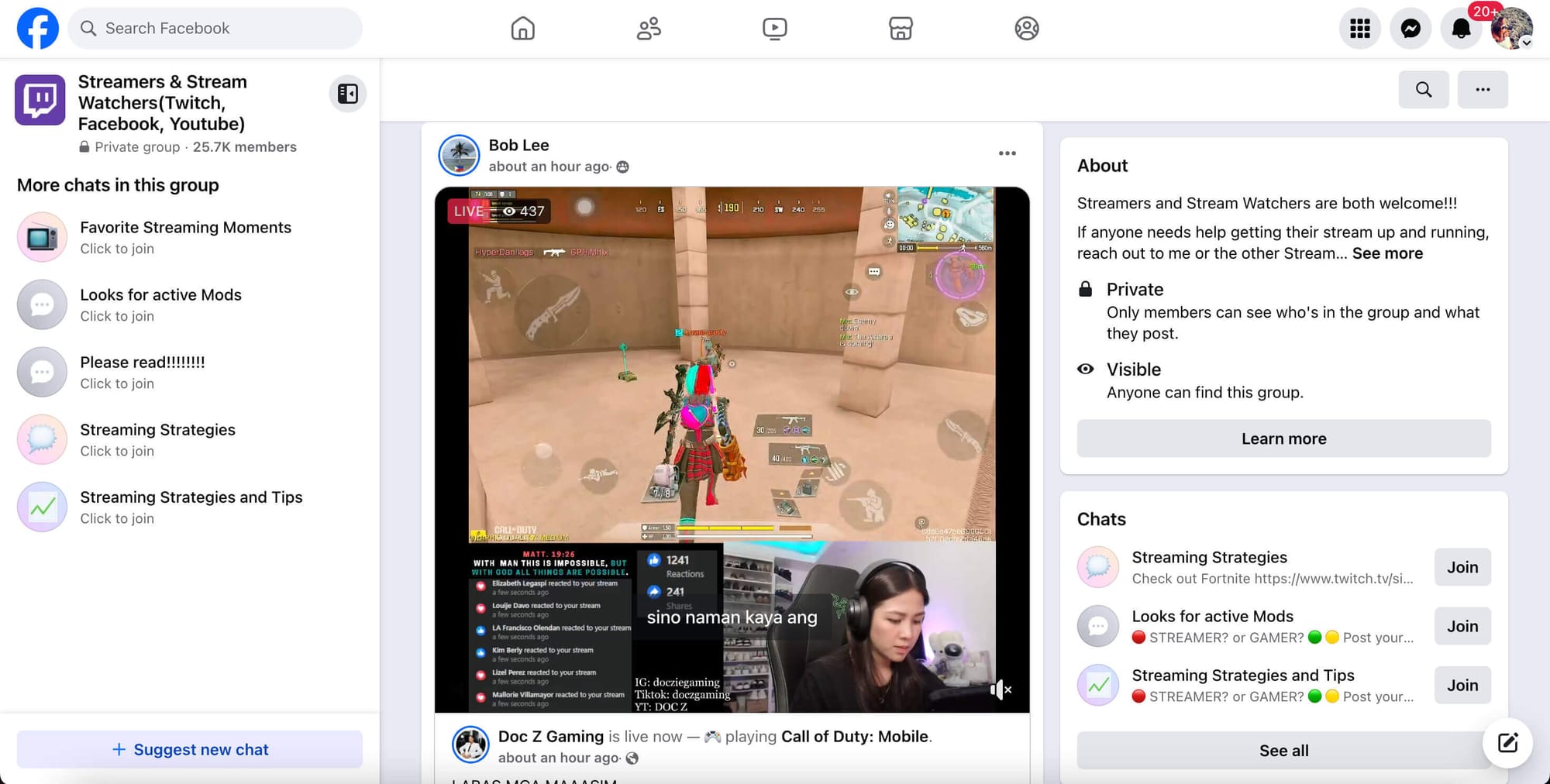
Although Facebook might not be the first thought for streamers, it hosts thousands of groups that facilitate interaction among creators.
- The Official Twitch Streamers: A group where streamers can share their content, ask for advice, and collaborate on special projects. This community focuses on showcasing talent and fostering meaningful connections.
- YouTube Gaming Community: Dedicated to those who stream on YouTube, this group provides a platform for discussion on strategies specific to YouTube and content promotion.
4. Twitter/X: Real-Time Interaction
Yes, Twitter/X may seem more like a broadcasting platform than a community, it offers real-time interactions that can be super important for streamers.
- By participating in discussions using hashtags like #SupportSmallStreamers or #Twitch, streamers can engage with one another and discover potential collaborators.
- Many streamers use Twitter to announce streams, engage with fans in a more informal setting, and keep up with industry news and trends.
5. Specialized Forums and Websites
Some platforms focus exclusively on supporting live streamers with niche interests or needs.
- StreamElements and Streamlabs Communities: Both platforms provide forums and support for streamers using their tools, offering a community of peers familiar with specific software features and integrations.
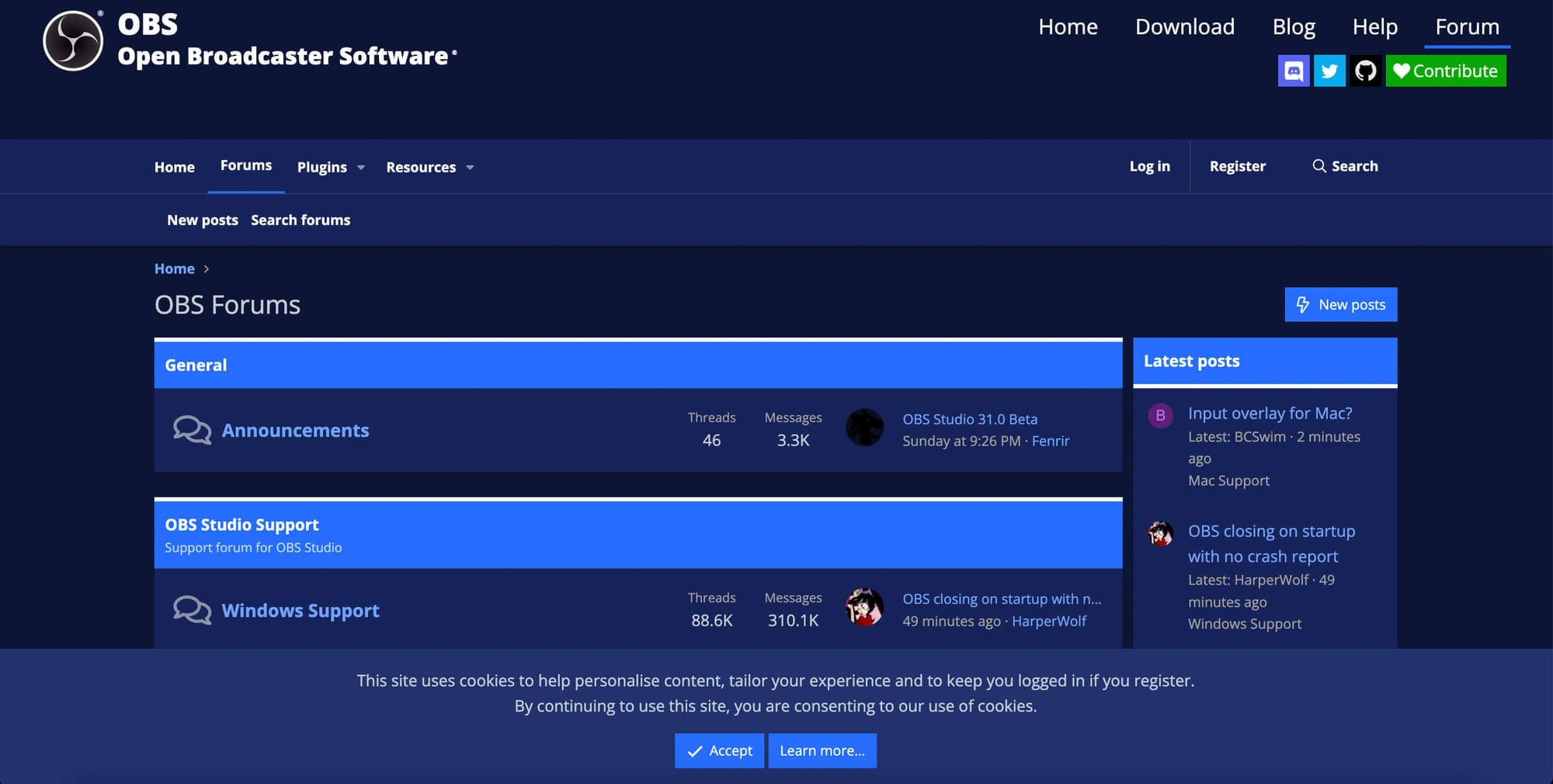
- OBS Forums: For those who use Open Broadcaster Software, the OBS forums are a vital hub for technical support and best practices sharing.
The Golden Rules of Streamer Networking: Do's, Don'ts, and Red Flags
Joining communities is step one. Engaging effectively is where most small streamers fail. Follow these proven networking principles to build genuine relationships that drive growth:
✅ DO: The Path to Genuine Connections
1. Enter as a Viewer, Not a Broadcaster
When you join someone's stream or Discord, introduce yourself as an interested viewer, not a fellow streamer. Your goal is to build a relationship, not recruit viewers. Example: "Hey! Really enjoying the gameplay, been looking for someone playing this game well" NOT "Hey, I stream too, check out my channel!"
2. Provide Value Before Asking for Anything
Contribute meaningfully to conversations. Answer questions, share helpful resources, participate in community events. Build social capital before spending it on self-promotion.
3. Be Consistent in Your Participation
Show up regularly to streams and Discord conversations. Consistency builds familiarity, which builds trust, which leads to collaboration opportunities.
4. Support Others FIRST
Watch other small streamers' content, drop genuine comments, share their streams. The streaming community notices who gives before taking. Those who support get supported back.
5. Follow Each Community's Specific Rules
Every Discord server and stream chat has rules. Read them. Follow them. Breaking rules = instant reputation damage.
❌ DON'T: Common Networking Mistakes That Kill Growth
1. Never Drop Your Link Unsolicited
Going into someone's chat and saying "Hey, check out my stream!" is the fastest way to get banned and blacklisted. It's the streaming equivalent of walking into someone's party and handing out flyers to your own party.
2. Avoid F4F (Follow for Follow) Like the Plague
Here's why F4F hurts you:
- Platforms' algorithms detect fake engagement
- F4F followers never watch your content
- Your retention metrics plummet, reducing your reach
- Brands and serious collaborators see through inflated numbers
3. Don't Poach Viewers from Other Streams
Trying to pull someone else's audience to your channel by promoting yourself in their chat is not only rude, it backfires spectacularly. You'll get banned and gain a toxic reputation.
4. Never Ask for Raids or Hosts Directly
Raids and hosts are gifts, not entitlements. Asking for them is like asking someone to give you money. If you've built a genuine relationship, raids happen naturally.
5. Don't Be Overly Familiar Too Fast
Using nicknames, pet names, or acting like you're best friends when you've just met someone is uncomfortable. Build familiarity gradually.
🚩 Red Flags: Communities and Behaviors to Avoid
Toxic Community Signs:
- Aggressive monetization (pay to get promoted)
- F4F as the primary community activity
- No real moderation or support
- Members only self-promote, never engage
- High turnover (people leave quickly)
Personal Behavior to Avoid:
- Only showing up to promote yourself
- Backseat gaming (telling streamers how to play)
- Trauma dumping or oversharing personal problems
- Being entitled to attention
- Demanding shoutouts or collaboration
💡 Advanced Networking Strategies
The Long Game: 6-Month Relationship Building
- Month 1-2: Join communities, engage as viewer
- Month 3-4: Start mentioning you stream (when asked)
- Month 5-6: Propose collaboration with streamers you've built relationships with
- Month 7+: Reap benefits of authentic network
Collaboration Opportunities:
- Co-streaming: Play multiplayer games together
- Guest appearances: Interview each other, join as guest
- Content swaps: Create content for each other's channels
- Community events: Host tournaments or giveaways together
Measuring Networking Success:
Look for these signs your networking is working:
- ✅ Other streamers recognize your name
- ✅ You're invited to private collaborations
- ✅ Your content gets shared organically
- ✅ You're getting hosts/raids without asking
- ✅ Viewers mention they found you through someone else
Frequently Asked Questions About Streamer Communities
How long should I participate in a community before promoting my stream?
At minimum, 2-4 weeks of genuine, consistent engagement. You want community members to recognize your name and value your contributions before you mention you stream. The best approach: wait until someone asks if you stream, then share naturally.
Should I join game-specific or general streaming communities?
Both. Join 2-3 communities focused on your primary game(s) to find your target audience. Also join 1-2 general streaming communities for broader industry knowledge, technical help, and diverse networking. Limit yourself to 5 total active communities—quality beats quantity.
Is Follow for Follow (F4F) worth it for quick growth?
Absolutely not. F4F creates empty metrics that hurt you:
- Twitch/YouTube algorithms detect low engagement relative to follower count
- Your average viewer count stays low, hurting discoverability
- Brands and sponsors recognize inflated numbers
- You waste time on fake relationships instead of building real audience
Instead, focus on genuine engagement in communities where people actually watch streams.
How many hours per week should I spend networking?
Dedicate 5-10 hours per week split between:
- Watching other small streamers (3-5 hours)
- Discord community participation (2-3 hours)
- Twitter/social media engagement (1-2 hours)
This is in addition to your streaming time. Yes, it's work, but networking is how 90% of successful streamers grew.
What if I'm shy or have social anxiety?
Start small:
- Begin by lurking and reading Discord conversations
- Post in text channels before joining voice chats
- Watch streams and type simple supportive comments
- Use emotes/reactions if typing feels overwhelming
- Set micro-goals ("post 3 messages today")
The streaming community is generally welcoming and many members deal with anxiety. You don't need to be the loudest person in the room—consistent, genuine presence matters more.
Can I use automated tools to engage in communities?
No. Automation is detectable and damages your reputation permanently. Discord bots, follow bots, view bots—all are against platform TOS and community rules. There are no shortcuts. Authentic networking takes time, and that's exactly what makes it valuable.
Conclusion
Finding the right community can significantly enhance a live streamer’s journey, providing not only technical support but also emotional encouragement and growth opportunities. Whether through Discord servers, Reddit threads, Facebook groups, Twitter conversations, or niche forums, streamers can tap into vast networks that provide immediate and impactful benefits. By actively engaging in these communities, live streamers can foster their talents, expand their reach, and build meaningful relationships with peers and audiences alike.
Transform Your Live Streams with LiveReacting
Join 10,000+ streamers who are boosting engagement and viewership by adding pre-recorded videos, games, polls, and countdowns to their streams.
Try LiveReacting for free today and take your streams to the next level!