
How to Run Multiple 24/7 Live Streams with LiveReacting
Run multiple 24/7 live streams simultaneously with LiveReacting. Test content, scale channels, multistream anywhere. Simple setup, unlimited scalability.
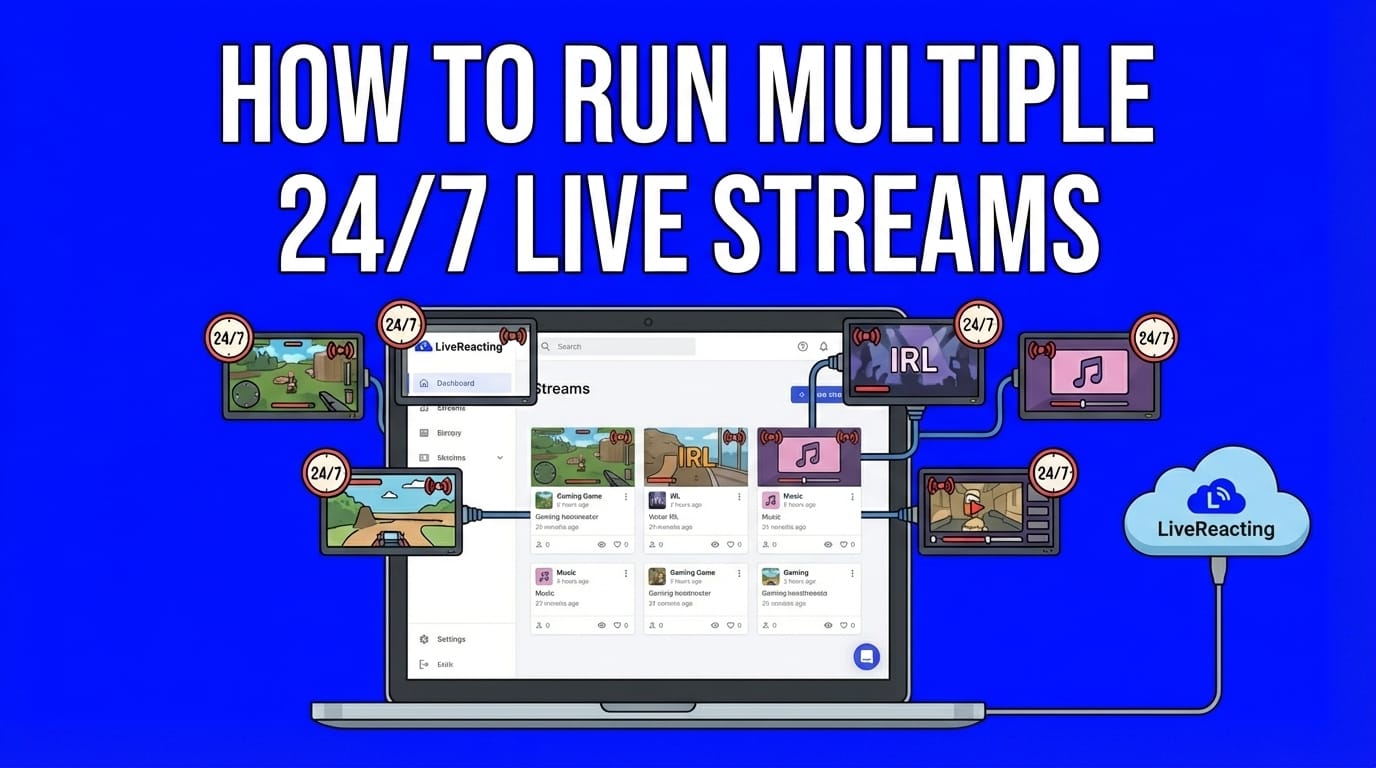
Introduction
In the past, running multiple 24/7 live streams simultaneously required multiple computers, complex technical setups, and constant monitoring. Not anymore.
Content creators now run 5, 10, or even 20+ simultaneous 24/7 streams to test content strategies, reach different audiences, and maximize platform algorithms. Whether you're testing which music genre YouTube recommends best, running separate channels for different demographics, or broadcasting across multiple platforms at once, here's how to do it with LiveReacting.
Three Ways to Run Multiple 24/7 Streams
Before diving in, understand these three common scenarios:
Scenario 1: Multiple Streams to One Platform (Most Common) Running multiple simultaneous streams to the same YouTube channel to test what the algorithm picks up better. For example, launching 5-10 lofi music streams with different visuals or genres simultaneously on one channel, seeing which gets recommended, then scaling the winner. Or continuously running multiple streams on the same channel for maximum watch time accumulation.
Scenario 2: Multiple Separate Channels Running different 24/7 streams to completely separate channels or platforms - lofi music on one YouTube channel, gaming content on another, meditation ambiance on a third. Each stream targets different audiences or niches.
Scenario 3: Multistreaming Each Project Broadcasting one 24/7 stream to multiple platforms simultaneously - your gaming stream goes live on Twitch, YouTube, and Facebook at once. Then doing this for multiple separate streams.
LiveReacting handles all three. Mix them however you want - run 10 streams to the same YouTube channel while multistreaming three other projects to five platforms each.
Why Run Multiple 24/7 Streams?
Test What Works Launch multiple streams with different content, visuals, or genres simultaneously. See which the YouTube algorithm recommends. Double down on winners, cut losers. Data-driven content strategy instead of guessing.
Maximize Watch Time YouTube's algorithm rewards total watch hours. Multiple concurrent streams = multiple watch time engines running 24/7. More streams = faster channel growth and monetization eligibility.
Reach Different Audiences Separate streams for different demographics, languages, or content types. Jazz on one, hip-hop on another, meditation on a third. Each audience gets exactly what they want.
Scale Revenue More streaming hours = more ad impressions = higher revenue. Multiple 24/7 streams create multiple passive income sources running simultaneously while you sleep.
Multistream for Maximum Reach Broadcast each stream to multiple platforms simultaneously. One stream reaches YouTube, Twitch, and Kick audiences at once. Multiply that across multiple projects.
How to Set Up Multiple 24/7 Streams in LiveReacting
The Simple 3-Step Process
No multiple computers. No complex configurations. No technical headaches.
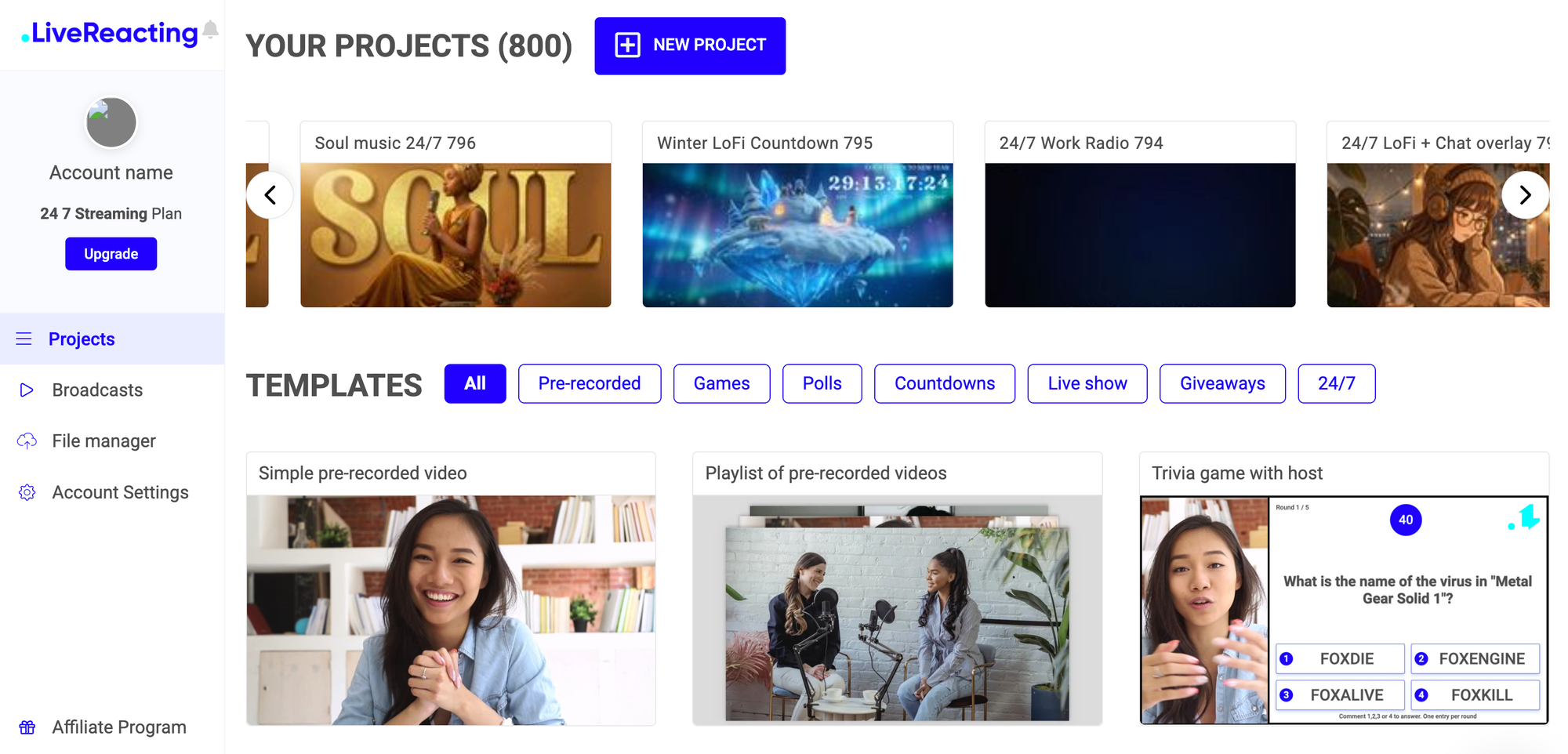
Step 1: Create Projects for Each Stream
- Log into LiveReacting dashboard
- Click "Create New Project"
- Select "24/7 Streaming" project type
- Name it clearly (e.g., "Lofi Test A," "Lofi Test B," "Gaming Channel")
- Upload your video/audio content
Create as many projects as you need. Testing 10 streams on one YouTube channel? Create 10 projects. Running 5 separate channels? Create 5 projects.
Step 2: Configure Each Project Independently
For each project:
- Choose destination(s): Stream to one platform or multistream to multiple (up to 5 with base 24/7 plan, up to 20+ with higher tiers)
- Same or different: All projects to one YouTube channel for testing, OR spread across different channels/platforms
- Customize visuals: Each project gets its own branding, overlays, audio visualizers, chat displays
- Set content: Videos loop automatically or play as playlist
Each project operates completely independently. Different content, different destinations, different schedules.
Step 3: Launch All Streams
Start each project:
- Click "Go Live" on each project
- Launch all simultaneously or stagger starts
- Streams run 24/7 on LiveReacting's cloud servers
- Your computer can be completely off
Monitor all streams from one dashboard. Track performance, compare results, adjust on the fly.
Key Advantages of LiveReacting for Multiple Streams
Cloud-Based = Computer-Free Operation. All streams run on LiveReacting's enterprise servers. Close your laptop, turn off your computer. Your streams continue uninterrupted. Try that with OBS.
True Project Independence. One stream crashes (even though with LiveReacting it should never happen)? Others keep running. Update one project's content? Others remain unaffected. Each operates in complete isolation.
Flexible Multistreaming
- Project 1: YouTube only (testing)
- Project 2: YouTube + Twitch + Facebook (maximum reach)
- Project 3: Multiple YouTube channels simultaneously (cross-channel growth)
No Technical Complexity. No command-line arguments. No multiple software instances. No port configurations. Create project, upload content, click Go Live. Done.
Unlimited Scalability. Want to test 20 streams? Run 20 projects. Need 100 concurrent streams? Select 100-stream plan. No artificial limits.
Pricing: How Many Streams Can You Run?
LiveReacting offers a dedicated 24/7 Streaming plan where you select your concurrent stream count.
Choose exactly how many concurrent streams you need. Scale up or down anytime. Each stream can multistream to multiple platforms simultaneously.
No hidden limits. Select 5 concurrent streams, run 5 projects simultaneously. Each project can broadcast to 5+ destinations.
Common Use Cases
Content Testing: Launch 10 lofi music streams with different visuals on one YouTube channel. See which gets recommended. Scale the winner.
Multi-Channel Networks: Run separate 24/7 streams for jazz, hip-hop, meditation, gaming, study music. Different audiences, different channels, all from one dashboard.
Platform Domination: Stream to multiple YouTube channels simultaneously while also broadcasting to Twitch, MixCloud, Kick. Maximum platform coverage.
Regional Content: Different language streams running simultaneously. English, Spanish, French audiences all served with localized content.
Event Replays: Multiple past events streaming 24/7 while live events also broadcast. Continuous content without gaps.
Frequently Asked Questions
How many concurrent streams can LiveReacting handle?
No hard technical limit. LiveReacting's dedicated 24/7 plan offers 1-100+ concurrent streams. Select your count, pay accordingly. Each stream runs on isolated cloud infrastructure.
Can I test multiple streams on the same YouTube channel?
Yes. This is the most common use case. Create multiple projects, set all to the same YouTube channel destination, launch simultaneously. YouTube allows multiple concurrent streams per channel with separate stream keys.
Do I need multiple computers for multiple streams?
No. All processing happens on LiveReacting's cloud servers. Run 100 streams from a single laptop or even your phone.
What happens if one stream has issues?
Each project operates independently. If one crashes, others continue unaffected. Restart the problematic stream without touching running projects.
Can I change a stream's content while it's live?
Yes. LiveReacting's "on-the-fly updates" feature lets you swap videos, update overlays, or change branding mid-stream without stopping the broadcast.
Conclusion
Testing multiple content strategies, scaling multi-channel networks, or maximizing platform algorithms doesn't require technical expertise or multiple computers.
LiveReacting's cloud-based platform lets you launch unlimited concurrent 24/7 streams in minutes. Create projects, configure independently, go live. Your streams run while you sleep.
Ready to test 10 streams and see what works? Or scale to 50+ channels? Start with LiveReacting's free trial and launch your first multiple-stream setup today.
Transform Your Live Streams with LiveReacting
Join 10,000+ streamers who are boosting engagement and viewership by adding pre-recorded videos, games, polls, and countdowns to their streams.
Try LiveReacting for free today and take your streams to the next level!