Tutorial How to Start a Live Stream From ChatGPT Install the LiveReacting plugin in ChatGPT once. Then type @LiveReacting and ask for a 24/7 or scheduled live stream on YouTube. Your computer can be off.
Live Streaming How to Add an Image Slideshow to Your Live Stream (Step-by-Step) Add a rotating image slideshow to your live stream in minutes. Display sponsor logos, photo galleries, product banners, and more with automatic transitions.
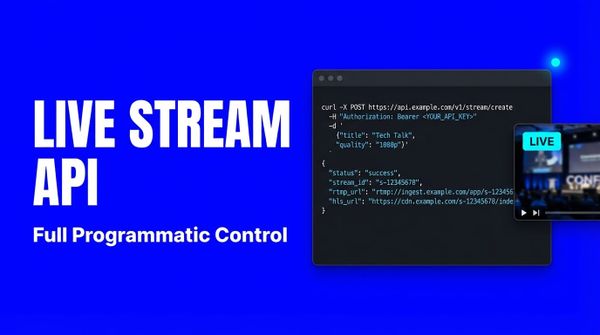
API How to Automate a 24/7 Live Stream with the LiveReacting API and MCP Build a 24/7 live stream that adds a new day of videos by itself. Ask an AI agent through the LiveReacting MCP server, or call the REST API from a script.
YouTube How to Loop a Video on YouTube Live 24/7 (Complete Tutorial) Loop a video on YouTube Live 24/7: export an MP4 (H.264, AAC), upload it, tick Loop, connect your channel and go live. Your computer can stay off.