
How to Make Money Streaming 24/7: 7 Ways and What a Stream Can Earn
How to make money streaming 24/7: ads, mid-roll breaks, memberships, Super Chat, sponsors, affiliate links and your own products. YouTube's rules for each, and how to estimate what your stream can earn.
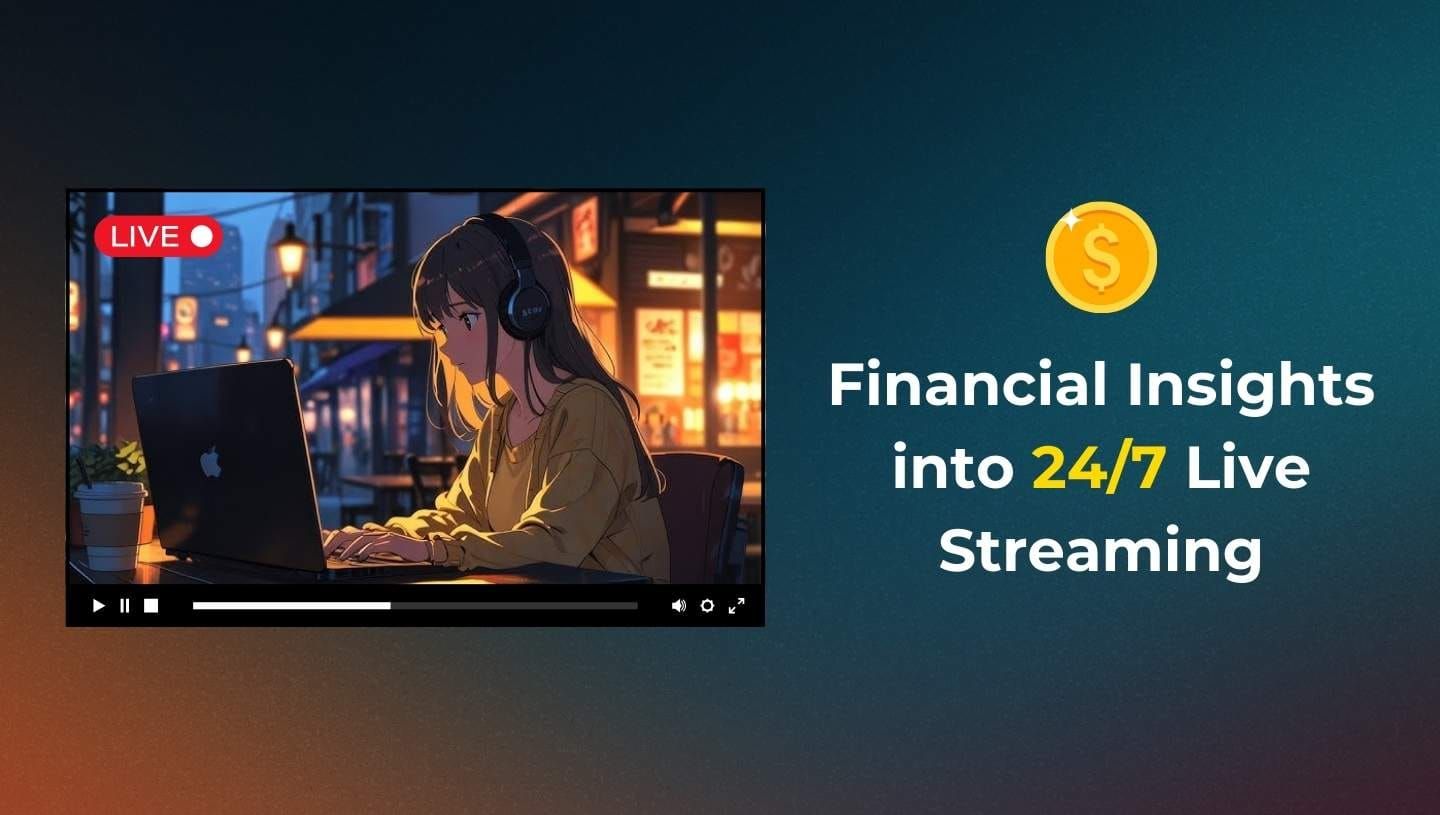
To make money streaming 24/7, use the same income sources as any YouTube live stream: ads, channel memberships, Super Chat and Super Stickers, sponsors, affiliate links and your own products. Ads, memberships and Supers need a channel in the YouTube Partner Program.
What the stream earns depends on its views, your RPM and how many hours it is really on air. Nobody can give you a reliable figure in advance, and we do not promise one.
To run the stream from the cloud, so it stays on air with your computer off, use 24/7 live streaming with LiveReacting. The rest of this guide covers each way to earn, YouTube's rules for it, and how to estimate your own numbers.
What is a 24/7 Live Stream?
A 24/7 live stream is a broadcast that runs all day, every day. It can be lo-fi music, ambient sound, a fireplace, retro games or a city tour, and viewers drop in at any hour. Creators run these streams with 24/7 live streaming apps, so nobody has to sit at a computer to keep them on air.
Who Watches 24/7 Live Streams? Real Examples
People keep 24/7 streams on in the background. A music stream can play while someone studies or works. A nature stream can set a calm mood in a store, a cafe or a waiting room.
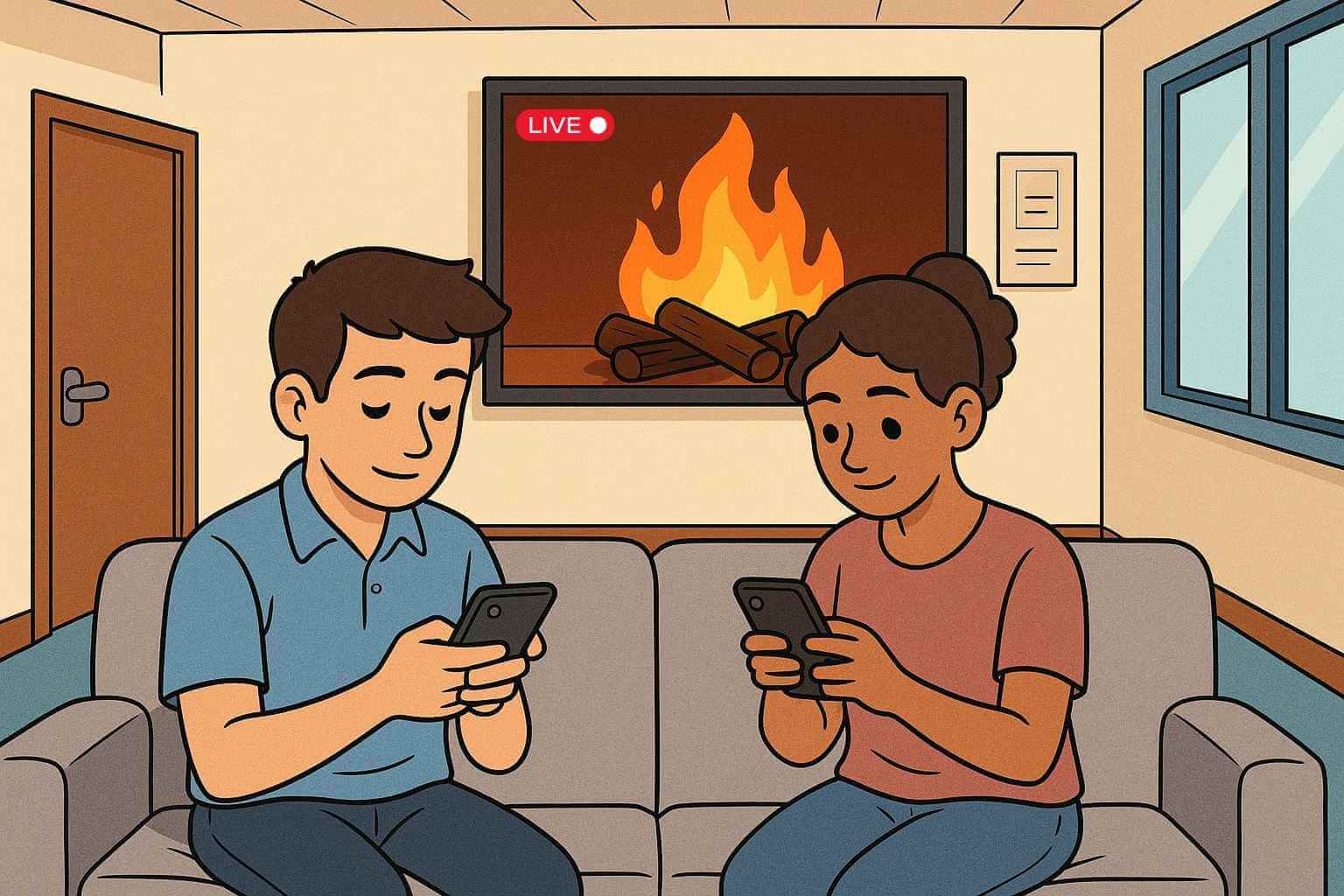
A classroom can run an educational stream, and a family a kids' stream. Workout streams let people train at any hour. Here are two examples:
7 Ways to Make Money Streaming 24/7
The table lists each way and the main YouTube rule. Rules from YouTube Help, current as of October 27, 2026.
| Way to earn | What YouTube requires |
|---|---|
| 1. Ads on the live stream | Partner Program plus the ad thresholds: 1,000 subscribers and 4,000 qualified watch hours in 12 months (or 10 million qualified Shorts views in 90 days) |
| 2. Mid-roll ad breaks | A monetized channel, monetization on for the stream |
| 3. Channel memberships | Partner Program, 500 subscribers, 3 public uploads in 90 days, 3,000 qualified watch hours in 365 days (or 3 million qualified Shorts views in 90 days), age 18+ |
| 4. Super Chat and Super Stickers | Partner Program, age 18+, an eligible country; not on unlisted, private, age-restricted or made-for-kids streams |
| 5. Sponsors | No Partner Program needed; mark it as a paid promotion |
| 6. Affiliate links | No Partner Program needed for your own links; YouTube's Shopping affiliate program needs it |
| 7. Your own products | No Partner Program needed to sell on your own website; a YouTube Shopping store needs it |
1. Ads on the live stream
To earn ad revenue, your channel must be in the YouTube Partner Program and meet the ad thresholds. YouTube asks for 1,000 subscribers with 4,000 qualified watch hours in the last 12 months, or with 10 million qualified Shorts views in the last 90 days. YouTube's earnings page also asks that you are at least 18 (or have a guardian who handles payments) and live where the program is available.
On watch hours, YouTube lists "livestreams that are unlisted, deleted, or not converted to VOD (video on demand)" among the hours that do not count. YouTube does not say clearly how watch time from a stream that is still live counts. Our monetization requirements checklist covers the full path.
Once you are in, YouTube's live monetization page says "Pre-roll and display ads are automatically turned on when monetization is turned on for your live stream."
2. Mid-roll ad breaks
Mid-roll ads play during the stream, to viewers who are already watching. YouTube gives you three options in the live ad settings:
- Automatic: YouTube places breaks at natural moments, at low, medium or high frequency. YouTube recommends this mode.
- Scheduled: a break every 6, 12, 18, 24 or 30 minutes.
- Manual: you choose every break. "If you do not insert any mid-roll ad breaks, no mid-rolls will be served."
YouTube adds that "Your earnings potential may be lower if you select scheduled or manual mid-rolls than when you select automatic mode." It also says a break is not a guaranteed ad: "Ad slots are not guaranteed to serve ads."
If you want breaks to fall between two songs or two episodes, not in the middle of one, place them yourself. In LiveReacting, the Ad Slots Manager marks those points in your playlist, and viewers who get no ad see a placeholder video of yours. See how to set ad slot timing.
3. Channel memberships
Members pay a monthly fee for perks such as badges and emoji. Memberships open at a lower bar than ads: YouTube's earnings page lists 500 subscribers and 3 public uploads in the last 90 days. You also need 3,000 qualified watch hours on long-form videos in the last 365 days, or 3 million qualified Shorts views in the last 90 days.
You must be in the Partner Program, be 18 or older, live where memberships are available and accept the Commerce Product Module.
Three more rules matter for 24/7 channels. A channel set as made for kids cannot offer memberships, and some music channels are not eligible. YouTube counts videos with music claims as ineligible, and a channel with a significant number of them cannot offer memberships.
4. Super Chat and Super Stickers
Viewers pay to highlight a message or an animated sticker in your live chat. You must be in the Partner Program, be 18 or older, live in an eligible country and accept the Commerce Product Module. YouTube says "Creators receive 70% of Supers revenue that is confirmed by Google", after local sales tax and App Store fees on iOS.
Supers are not available on unlisted, private, age-restricted or made-for-kids streams, or when live chat is off. Nobody watches the chat of a 24/7 stream all day, so check in once a day, thank buyers and heart their messages.
5. Sponsors
A brand pays for a logo, a mention or a segment on your stream. This does not need the Partner Program. YouTube asks you to select the paid promotion option in the video details, which adds a disclosure label.
In the US, the FTC's guide for influencers asks for disclosures that are "hard to miss" and in "simple and clear language". For live streams, it says "the disclosure should be repeated periodically so viewers who only see part of the stream will get the disclosure." On a 24/7 stream, one way to do that is a text layer that stays on screen, such as "Sponsored by Acme".
6. Affiliate links
Put links to products you use in the stream description or on screen, and earn a commission when a viewer buys. A fish-tank stream can link the filter, and a study stream the headphones. YouTube says clickable links in descriptions need access to advanced features on your channel.
Disclose the link. The FTC says to disclose "if you got anything of value to mention a product."
YouTube also runs its own Shopping affiliate program. You tag products and earn a commission. It needs the Partner Program and YPP's subscriber threshold, it is open in a list of 18 countries, and it excludes music channels and channels set as made for kids.
7. Your own products
Sell what you make: a course, a sample pack, merch, a service. Send viewers there with an on-screen link or a QR code.
On YouTube itself, a connected store needs the Partner Program and YPP's subscriber threshold, or an Official Artist Channel. YouTube Shopping can then tag products in "videos, Shorts, and live streams".
How Much Can a 24/7 Live Stream Earn?
There is no reliable public figure for 24/7 streams. An earlier version of this post had a table of creator earnings, which we could not verify, so we removed it.
Estimate from your own numbers instead:
- Find your RPM in YouTube Analytics. YouTube defines RPM as "your total revenue (after YouTube's revenue share) per 1000 views."
- Estimate the views your stream will get in a month.
- Divide the views by 1,000 and multiply by your RPM.
- Add the income RPM leaves out: product and merch sales, and brand deals made outside YouTube. YouTube's RPM excludes sponsorships except YouTube Creator Partnerships.
Do not confuse RPM with CPM. CPM is "the cost per 1000 ad impressions before YouTube revenue share". YouTube explains that RPM is lower because it comes after the revenue share and counts views that had no ad.
Our YouTube money calculator multiplies a channel's views by a CPM you set. It shows what advertisers pay before YouTube's revenue share, not what you keep.
Factors That Affect Your Earnings with 24/7 Streams
YouTube's ad revenue analytics page names what moves your CPM and RPM:
- Time of year: "many advertisers bid higher just before holidays."
- Viewer location: "CPMs will vary by geography."
- Ad formats available: different ad types have different CPMs.
- Unmonetized views: RPM counts all views, so it drops when more views get no ad.
Two more factors are yours to control:
- Monetization mix: YouTube suggests turning on mid-roll ads and features such as memberships and Super Chat to raise RPM.
- Hours on air: an hour the stream is down earns no live ads and gets no live chat.
What Can Stop a 24/7 Stream From Earning
- Repetitive content. YouTube's monetization policies say content should "Not be mass-produced, generic, repetitive, or manipulative."
- Reused content. Content taken from YouTube or elsewhere "without adding significant original commentary, substantive modifications, or educational or entertainment value" may lose monetization for the whole channel.
- Music you do not own. Use your own music, AI-generated music with commercial rights, commissioned tracks or properly licensed music.
- Made for kids. On a stream set as made for kids, YouTube turns off live chat, Super Chat, memberships and personalized ads. YouTube says this "may result in a decrease in revenue for some creators".
How LiveReacting Helps a 24/7 Stream Earn
The basic steps:
- Upload your videos, or import them from Google Drive, Dropbox or YouTube.
- Build the playlist and place your ad breaks.
- Connect your YouTube channel.
- Go live.
- Switch your computer off. The stream keeps running on our servers.
Three things in the 24/7 plan protect the revenue:
- Reliability. Multi-cloud failover restarts the stream on another server if one stops answering. Servers run in several data centers in Europe and the US. Video files are kept in two storage services with automatic switch-over. The stream reconnects if a platform drops it, and broken files are skipped.
- Ad breaks where you want them. The Ad Slots Manager marks the points where YouTube may show a mid-roll ad, such as between two songs or two episodes.
- Revenue per stream. YouTube monetization analytics shows views, watch time, impressions, revenue and CPM for each stream in the studio, with a CSV download. It is on every paid plan.
Tips for Success with 24/7 Streams
- Pick a topic you can keep varied. Rotate footage and tracks so the stream is not one clip on repeat.
- Write for search. Use plain titles such as "Relaxing Fireplace 24/7" and a clear thumbnail.
- Stack income. Add memberships, Super Chat and an affiliate link to the ads.
- Run it from the cloud. A stream that runs from your own computer stops when the computer or the connection does.
- Check the numbers weekly. Compare RPM and revenue per stream, and change what does not earn.
Crafting Your Niche: A Guide to Creating 24/7 Live Streams
Guides for specific kinds of 24/7 channels:
- How to create a 24/7 Gaming Channel?
- Meditation 24/7: How to Create a Live Channel on YouTube
- How to create a 24/7 Music Channel on Youtube?
- 24/7 Live Streaming for Educators
- How to Start a Youtube Channel for Kids with 24/7 Availability?
- How to start a Fitness Youtube Channel that runs 24/7?
- How to Stream Pre-recorded DJ Sets to Mixcloud 24/7?
- How to Stream Crypto Charts 24/7 on YouTube?
- How to create a 24/7 LoFi radio?
- How to create a 24/7 Prayer Room?
- How to Create a "Now Hiring" 24/7 Channel on Youtube?
- A Guide to Creating a 24/7 Scary Story Youtube Live Stream?
FAQ
How do you make money streaming 24/7?
Turn on ads and mid-roll breaks once your channel meets YouTube's ad revenue thresholds. Then add channel memberships, Super Chat and Super Stickers, sponsors, affiliate links and your own products. Each one has its own YouTube rules.
Can a 24/7 stream make money before the YouTube Partner Program?
Yes, but not from YouTube's own features. Ads, memberships, Super Chat and YouTube Shopping all need the Partner Program. Sponsors, your own affiliate links and products sold on your own website do not.
How much does a 24/7 live stream earn?
There is no reliable public figure. Estimate it from your own numbers: expected views divided by 1,000, times your RPM from YouTube Analytics. Then add product sales and brand deals made outside YouTube, because RPM does not include them.
Do watch hours from a 24/7 live stream count toward the Partner Program?
YouTube lists livestreams that are unlisted, deleted, or not converted to VOD among the watch hours that do not count. YouTube does not say clearly how watch time from a stream that is still live counts.
Transform Your Live Streams with LiveReacting
Join 10,000+ streamers who are boosting engagement and viewership by adding pre-recorded videos, games, polls, and countdowns to their streams.
Try LiveReacting for free today and take your streams to the next level!